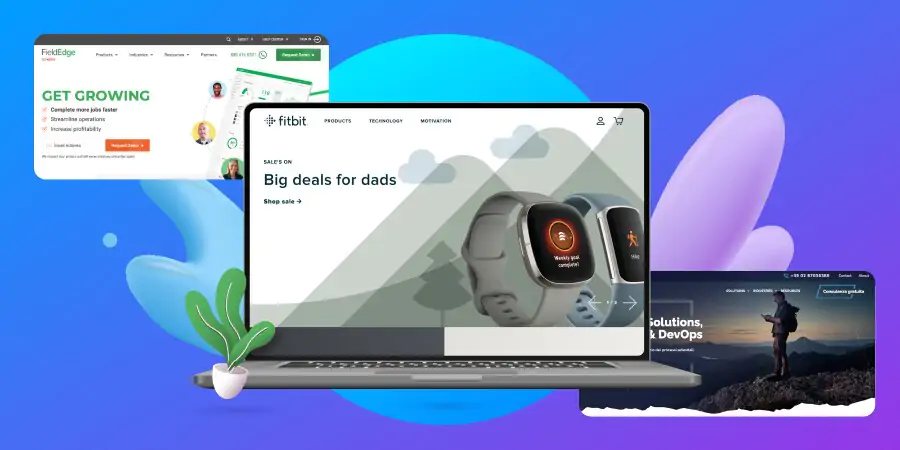
Well-designed website examples
- Below you will find five website examples with outstanding web design. We will analyze each of them according to the following characteristics: usability, responsiveness, and ability to convert.
GitHub
GitHub is an online project management and code hosting platform for developers. What makes it usable GitHub knows its reader and has a human-centered design. Clean and clear design with lots of white space help to get all the important information fast
What makes it usable
GitHub knows its reader and has a human-centered design.
- Clean and clear design with lots of white space help to get all the important information fast
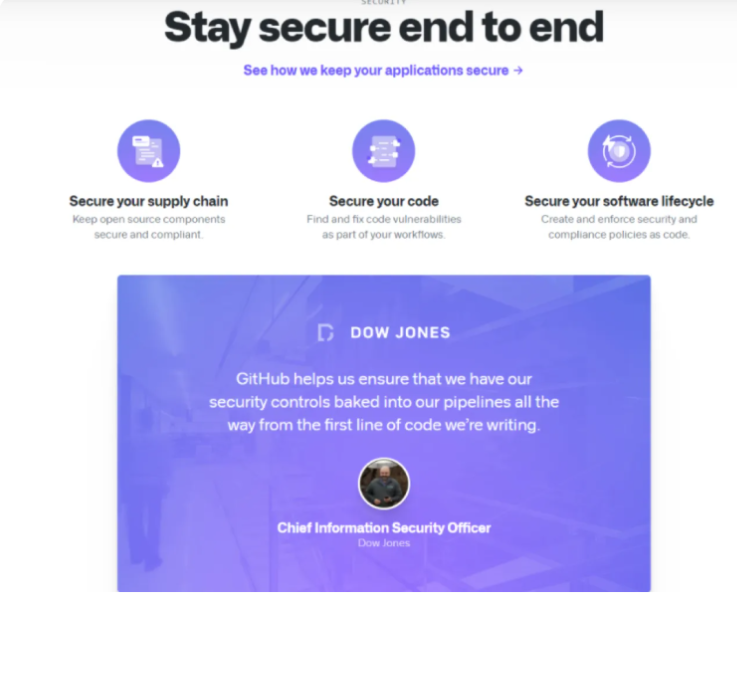
The “Compare plans” page is logically structured: general information is at the top and as you scroll down you can dive into more data. When the visitor scrolls down the page to see more info, the names of plans and their prices remain at the top which once again proves that the website has a user-friendly design
What makes it convert
GitHub is a great example of a website that converts.
- Clear value proposition. As visitors scroll down the page, they will see many points that present the value of the service. Each point provides enough information to interest the reader and CTAs to guide them on further action
- The green “Sign up” button is placed in the center and the visitor sees it as soon as they open the page. When the user scrolls the page down to read more information the green “sign up” CTA remains noticeable all the time to be able to convert the visitor any time
- As well, in the above screenshot, we can see that a little astronaut looks at the CTA. This design trick helps to concentrate visitor’s attention on the call-to-action button
What makes it responsive
- GitHub’s website provides a great user experience no matter if you use it on your desktop or on the smartphone.
- To save the place the menu bar on the desktop version is transformed into a hamburger menu on mobile devices
- The website shows a responsive animation and other visuals and they do not influence the page load speed even with a 4G connection
- The website shows a responsive animation and other visuals and they do not influence the page load speed even with a 4G connection
- The two-column layout on the desktop changes to the one-column layout in the mobile version
What makes it convert
GitHub is a great example of a website that converts.
- Clear value proposition. As visitors scroll down the page, they will see many points that present the value of the service. Each point provides enough information to interest the reader and CTAs to guide them on further actions.
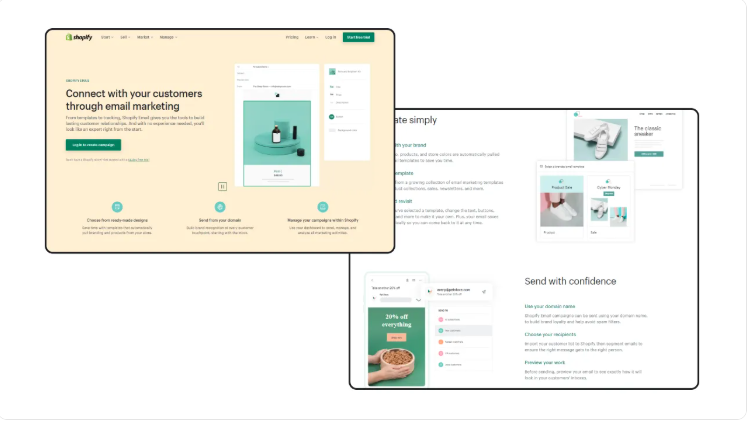
Work on a Website in a Different Niche
There are a ton of benefits to niching down as a web designer. For starters, it’s much easier to make a name for yourself as a great designer if you build websites for a targeted group of people. It can also make your job easier as you’re not having to keep up with best practices and trends for every type of website you might be asked to build.
That said, because you work on the same types of sites over and over again, it’s normal to feel nervous about running out of creative approaches for them. If you’re experiencing this, one way to get unstuck is by taking on a project outside of your niche.
For example, if you build websites for financial services companies, you’re probably used to creating very buttoned-up designs that look like the one on the Popular Bank website:
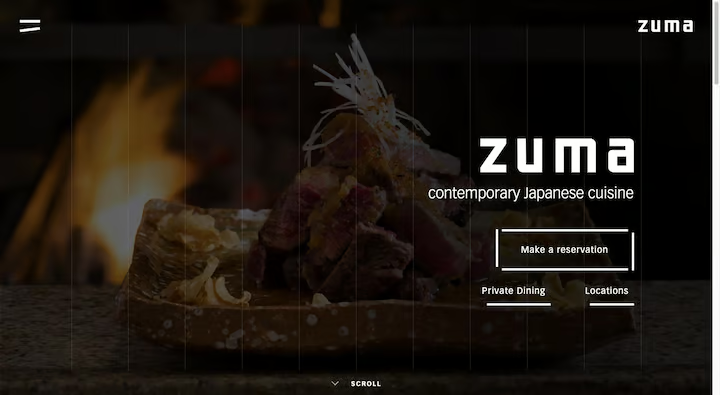
This kind of project would provide you with a nice change of pace. You’d have to come up with ways to nicely integrate menus, reservation systems, and lots of media into the design. You’d also get a chance to play around with more dramatic color palettes and fonts. There’s no need to completely pivot your business to a new niche if you’ve been feeling burned out. Just take on a different project or two to challenge yourself. Giving yourself that outside experience might be all you need to bring the spark of creativity back into your regular work.
Take a Course or Read a Tutorial
Getting stuck on something because it’s too hard to build out or you’re unsure how to do it is always stressful. But rather than keep attempting the same painful or ineffective method you’ve used before, hit the “Pause” button and find out if someone has a better solution.
You’ll find answers to a lot of design issues and hurdles on the web — even ones you might not have expected anyone else encountered.
You can certainly use Google to see what’s out there. Places like StackOverflow and even Reddit might be helpful. However, more in-depth resources like courses and tutorials are going to be more helpful. Elementor has a couple of resources you might find useful as well.
In this roundup of 17 online courses, you’ll find recommendations for web design and development courses that cover a wide range of topics — responsive web design, A/B testing, visual hierarchy and spacing, and more.
If you’re struggling with typography, this collection of 20 typography tutorials will help. From the psychology of fonts to pairing them, most of the big questions related to font design have been answered here.
9. Look at Other Creative Works
There are a lot of places where you can find design ideas these days. Your email inbox. Your social media feed. The ads littering the sidebars of the websites and blogs you visit.
But rather than run all over the place trying to find something that helps you out of a creative fog, find some bookmark-worthy design collection sites instead. You’ll spend less time hunting around for web design ideas and you’ll always have access to the latest and greatest in good, creative design. Here are some sites to start with: